
Liferay CE Web Experience
Description
Apps and Features: Application Display Templates, Asset Publisher,
Breadcrumb, Categories, Google Analytics, IFrame, Language,
Navigation, Recycle Bin, Related Content, RSS, Search, Site and Page
Templates, Sitemap, Sites Directory, Tags, Web Content, XSL Content
The Web Experience suite provides features that help create,
manage, and track content. The Web Content app lets you express your
ideas and plans by creating dynamic content that can be structured to
fit a specific design. You can also use templates to design web
content for an appealing look and feel. Templates can be used in other
realms of Liferay besides web content too. Site and Page Templates let
you reproduce sites and pages that have been organized to address
specific needs. Application Display Templates are another type of
Liferay template that lets you develop the look and feel of
applications. The IFrame and XSL Content apps let you create other
forms of content by embedding HTML and XSL content on a site page.
As administrators create content, organization is critical to
keeping things tidy in your site. The suite's Tags and Categories apps
lets you organize your web content to follow an organizational
hierarchy. These organizational apps also aid with Liferay's Search
app, which you can utilize to dynamically search content you've
created. The suite's Navigation, Breadcrumb, Sitemap, and Sites
Directory apps aid in Liferay's organizational structure, providing a
top level view of sites and their pages that have been created. To
promote content in an organized way, the Asset Publisher and Related
Assets apps broadcast assets and their related information.
Inevitably, some content you create becomes stale and requires
removal; the Recycle Bin app lets you delete content, with the option
to restore that content.
As a site accumulates content, administrators should have a way
to easily track their content. The Google Analytics app allows the use
of Google's tool set for analyzing site traffic data. The suite's RSS
app provides a web feed used to publish updated works such as blog
entries and news articles. The suite's Language app provides a way to
change Liferay's language to cater to your site's international
audience. This suite's content creation and organization focus lets
site administrators develop dynamic content, organize content for easy
managing, and track content for ideas to better improve the content
creation process in the future.
This suite may contain modules that depend on Foundation suite
modules. This suite is available in the Liferay CE bundle.
More in Analytics and Optimization

InsightBoard AI
InsightBoard AI transforms any Liferay portal page into an intelligent business command center. Unlike traditional dashboards that only show data, InsightBoard AI interprets it — delivering real-time

AI Insight Dashboard
The AI Insight Dashboard is an intelligent, universal analytics fragment that transforms any Liferay Object data into actionable business intelligence. It automatically adapts to any data structure an

AI Object Insights
AI Object Insights is a powerful Liferay Fragment designed to transform your Liferay Object data into meaningful, AI-driven visual insights. It enables users to seamlessly explore object entries and g

Ajaxable search container paginator
This hook allows you to make the liferay search container ajaxable, indeed when you click on the navigation buttons that load the whole page which can be easily seen on a page that contains many portl
More by Liferay Community

Accordion Set Fragment
The Accordion Set fragment brings flexible, modern accordion functionality to Liferay pages without relying on external libraries. Built with native HTML <details> elements, it’s fast, accessibl

Announcement Card
The Announcement Card fragment makes it easy to highlight news, events, or featured content in a visually engaging way. The card is fully customizable, allowing you to set your own image, date, header
Colorful Cards
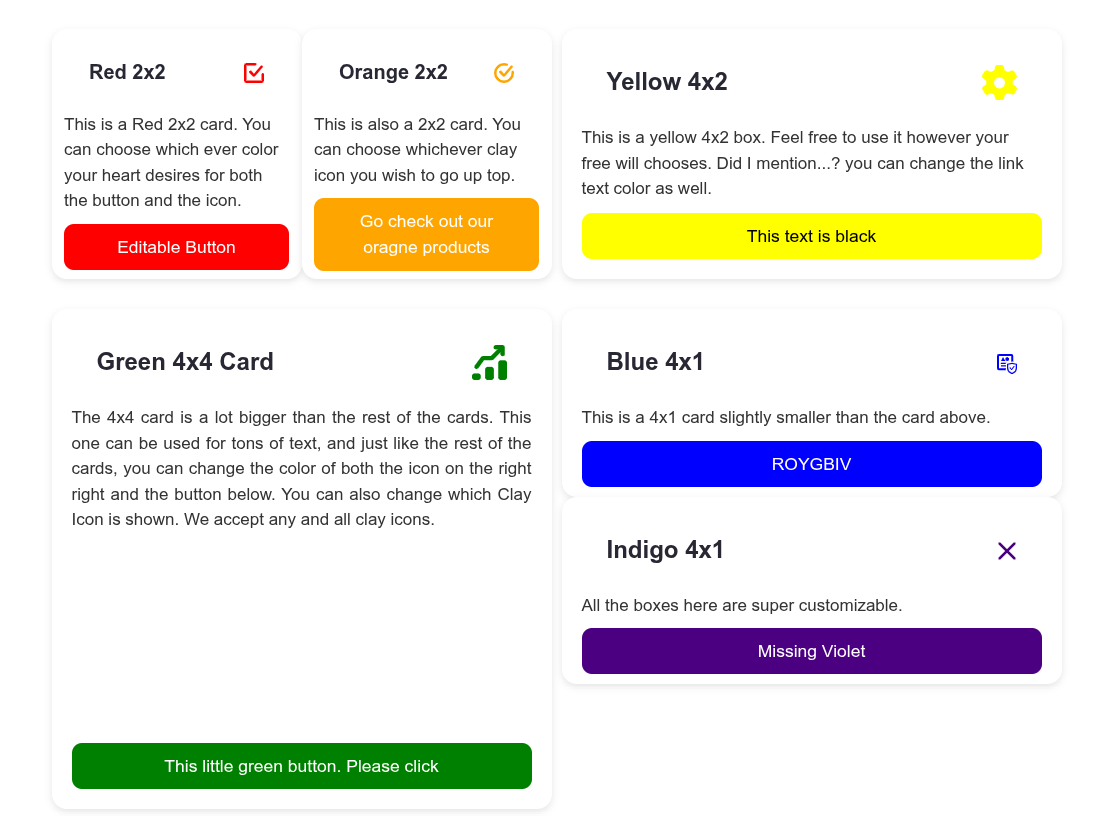
Fully customizable cards where you control every detail. Pick any Clay icon, set its color, and style the button with your own background and text colors. Choose from four flexible sizes — 4x4, 4x2, 4

Content And Media Library
A generic Content and Media Library built with Liferay Objects and Picklists to manage digital assets such as documents, images, and media files. It supports metadata (type, status, visibility), versi